Chrome extension · New tab

FloGravityChrome plug-in
New tab,one tap away.

Turn your Chrome bookmarks into a beautiful, handy desktop: search by pinyin initials in an instant, open sites with any of 38 keys, plus widgets like a calendar, Reminders and translation.

View features

Works with Chrome, Edge and other Chromium browsersAvailable in 15 languagesCompletely free, no ads

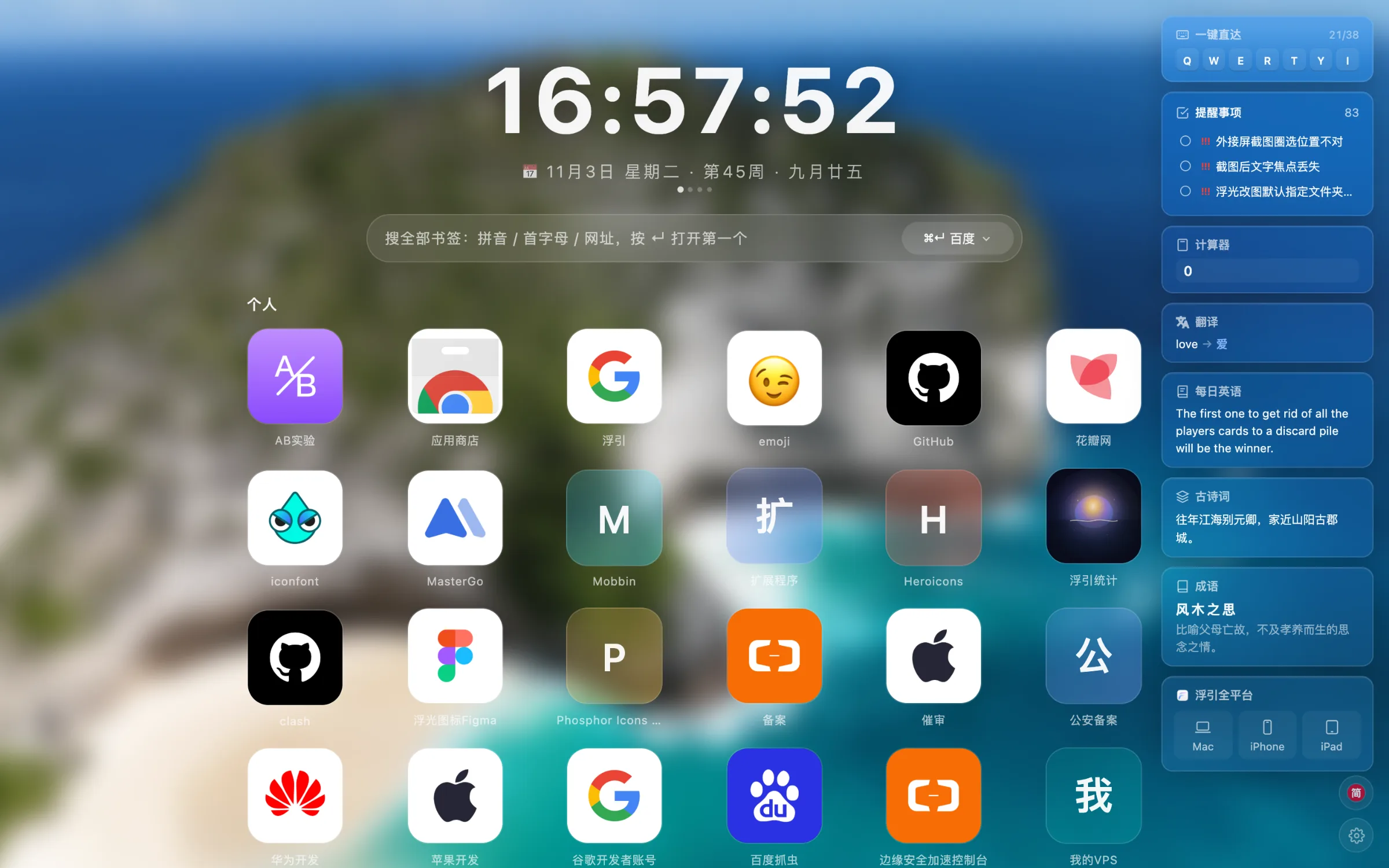
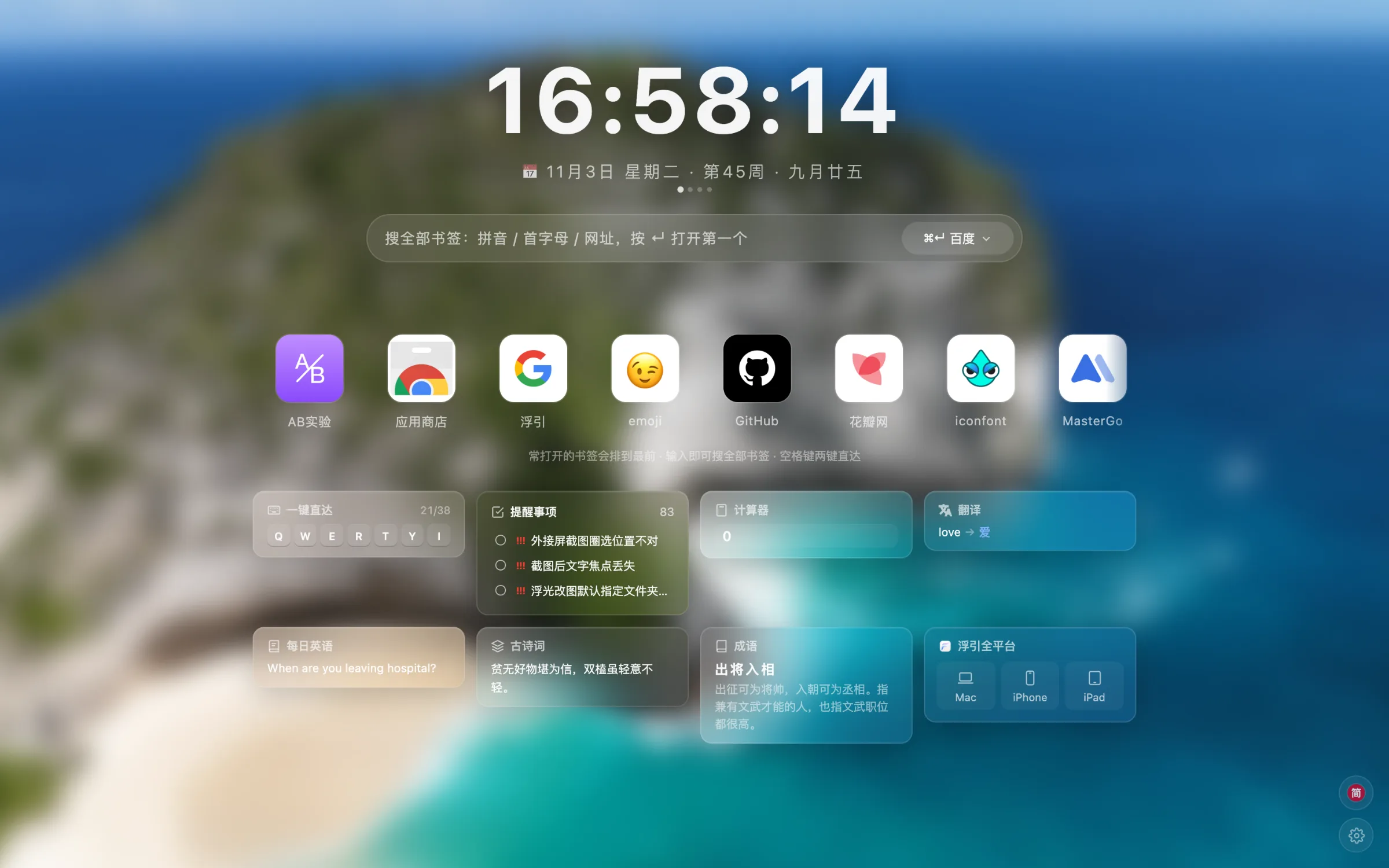
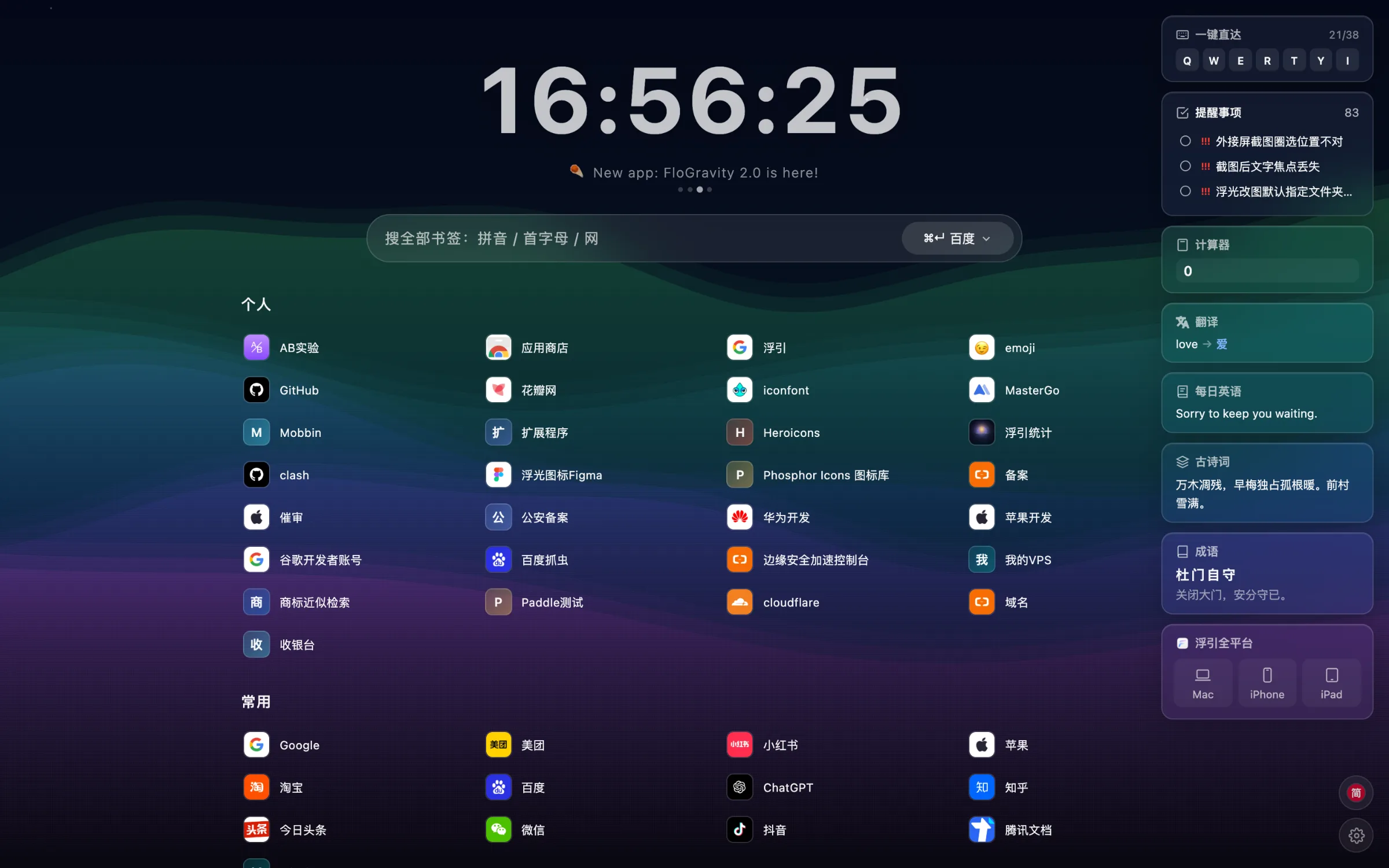
The FloGravity Chrome extension new tab page
FastKeyboard firstSearch every bookmark by initials and open sites with 38 keys.
BeautifulBeautiful30 animated backgrounds, blurred wallpapers and frosted glass.
CleanClean and simpleFree, no ads, and your data stays in your browser.
01Bookmarks

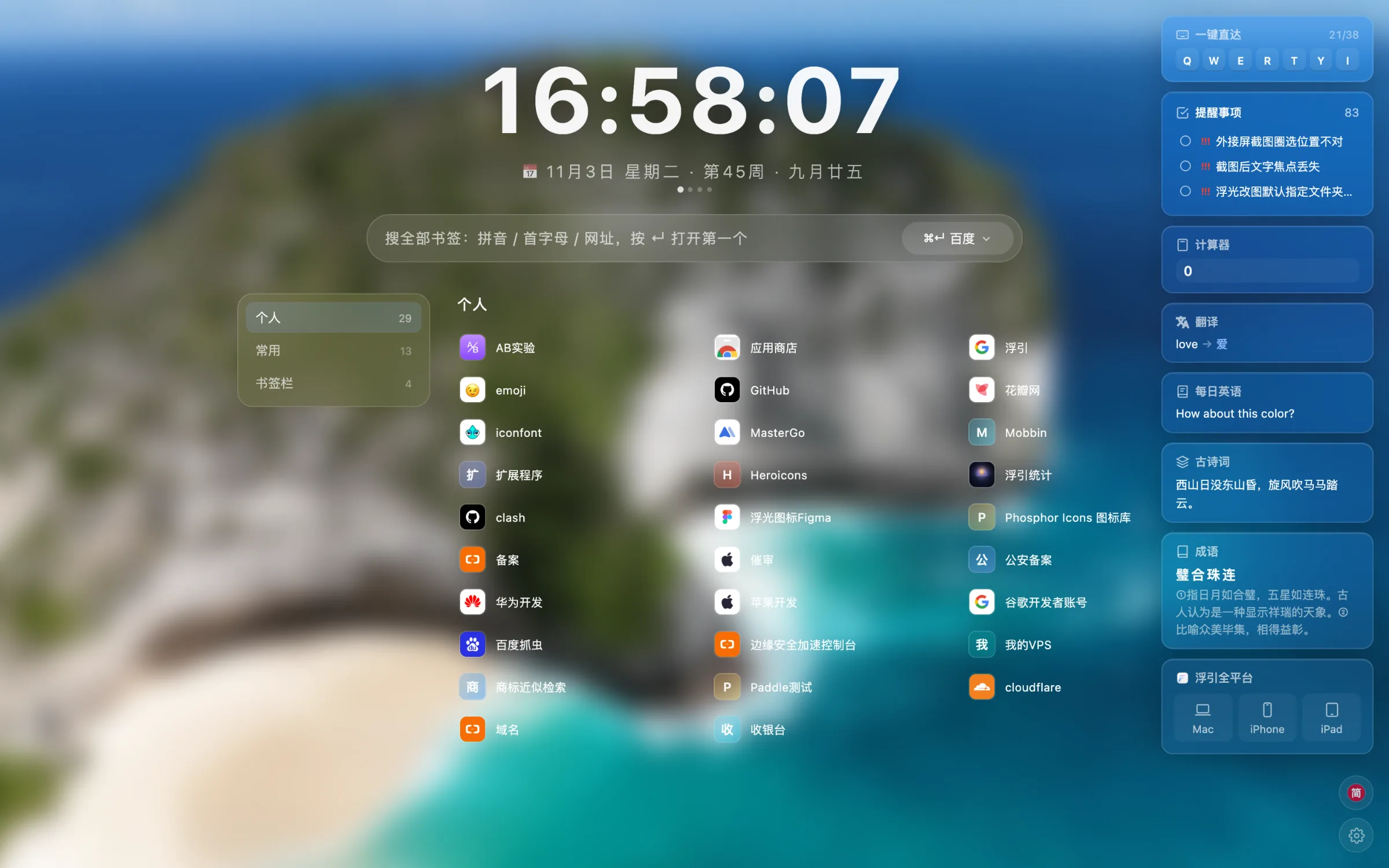
Your desktop is your Chrome bookmarks.

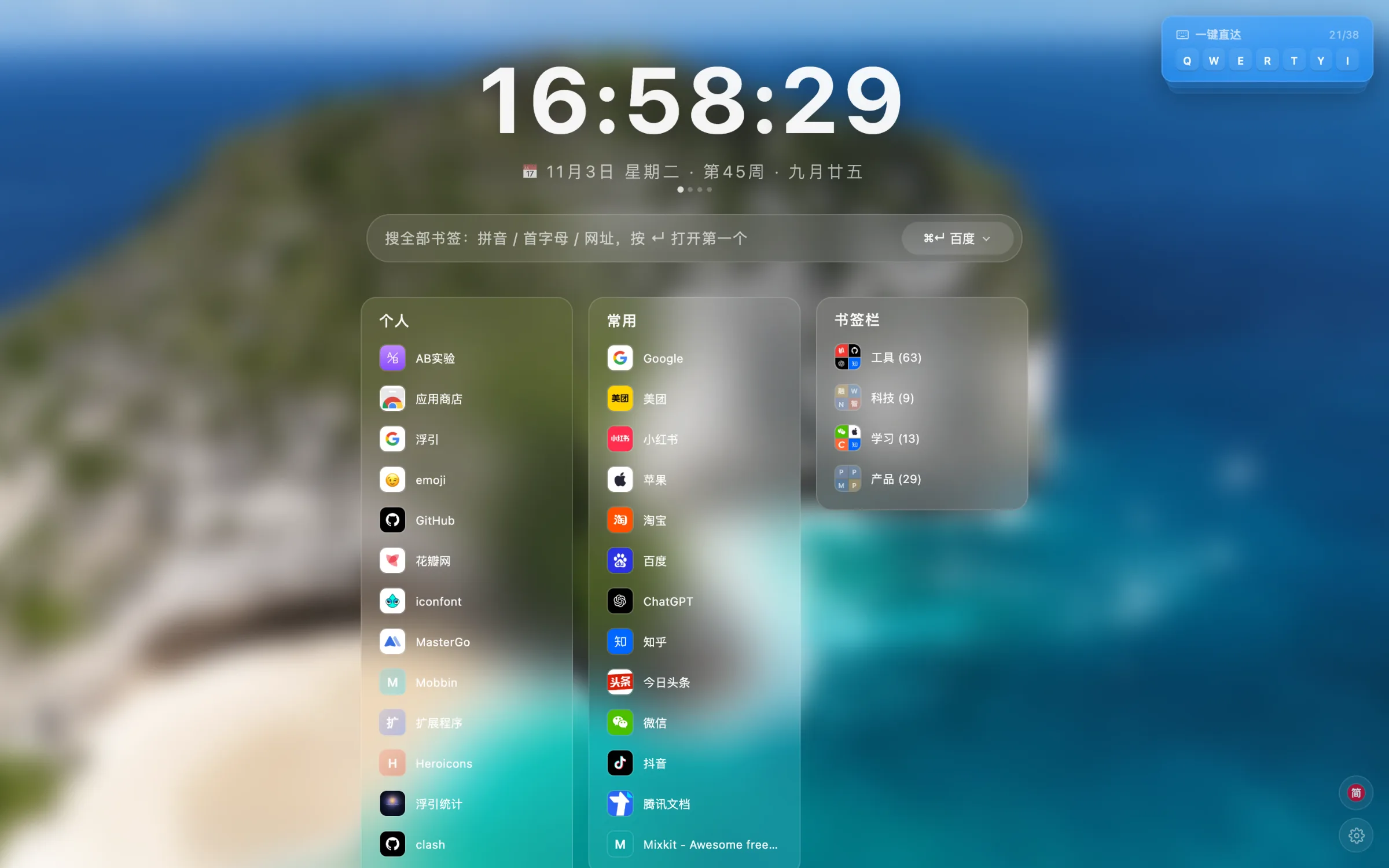
No second set of favorites to maintain. Every folder in your bookmarks bar gets its own block on the desktop, and anything you bookmark in Chrome is there the next time you open a new tab.

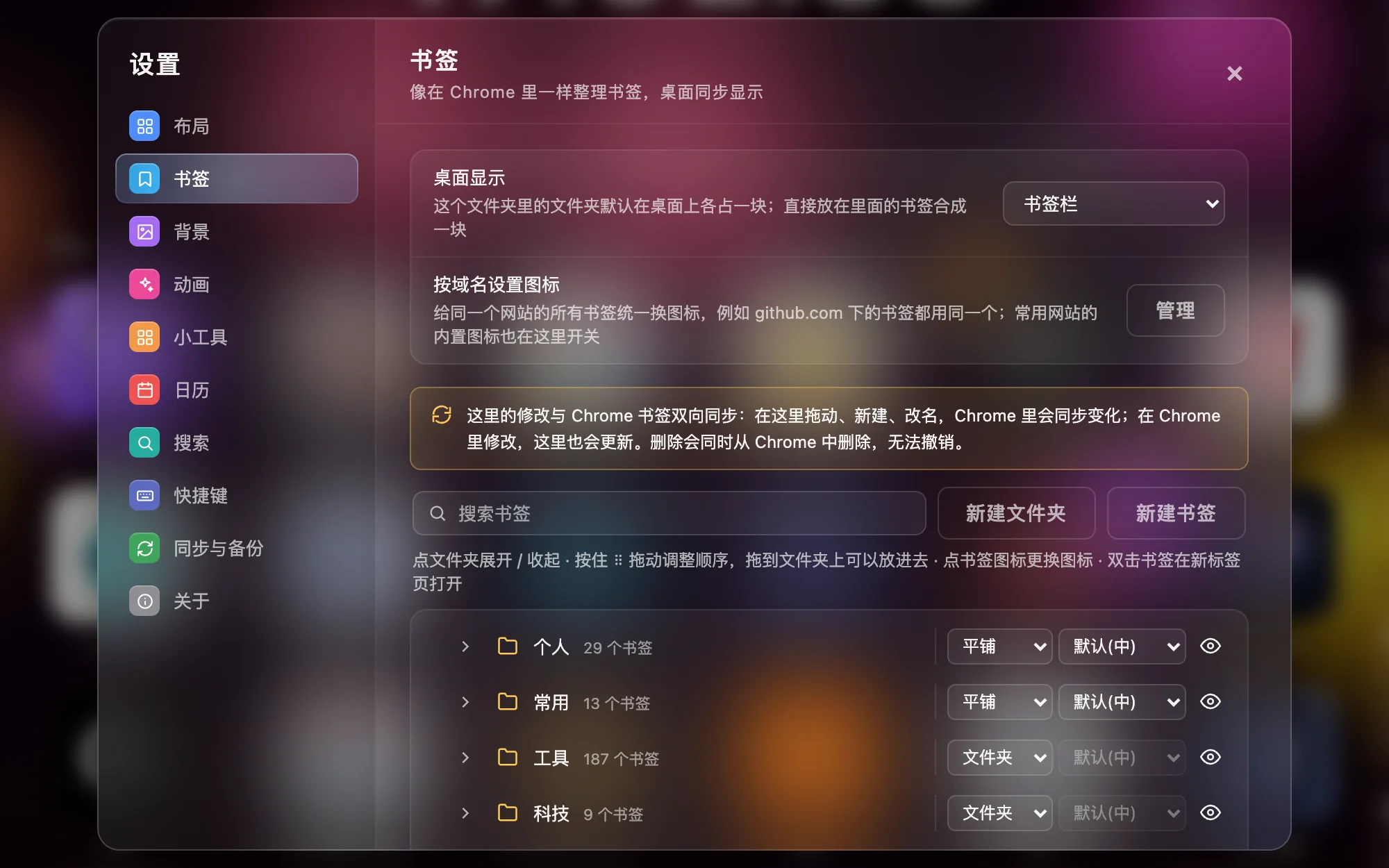
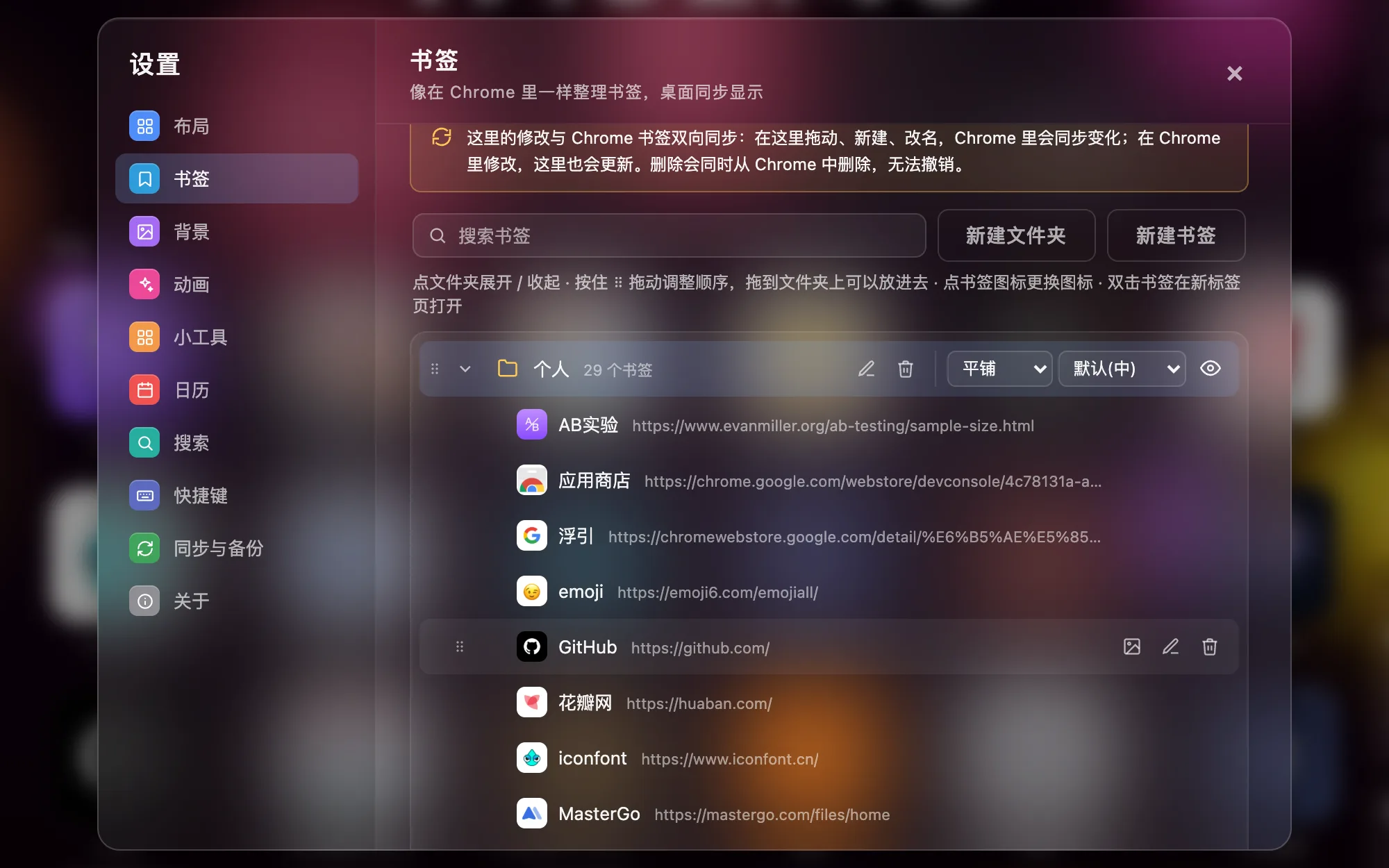
  • Full bookmark managerCreate, rename, drag to reorder and move across folders in Settings. Changes sync straight to Chrome bookmarks, and deleting always asks first.
  • You decide what showsPick a bookmark source and hide folders you don't want on display. Each folder can be laid out flat or collapsed into a single folder icon.
  • Icons and coversSet icon sizes per section, change covers by URL, and give every bookmark from the same site one shared icon.
02Layouts

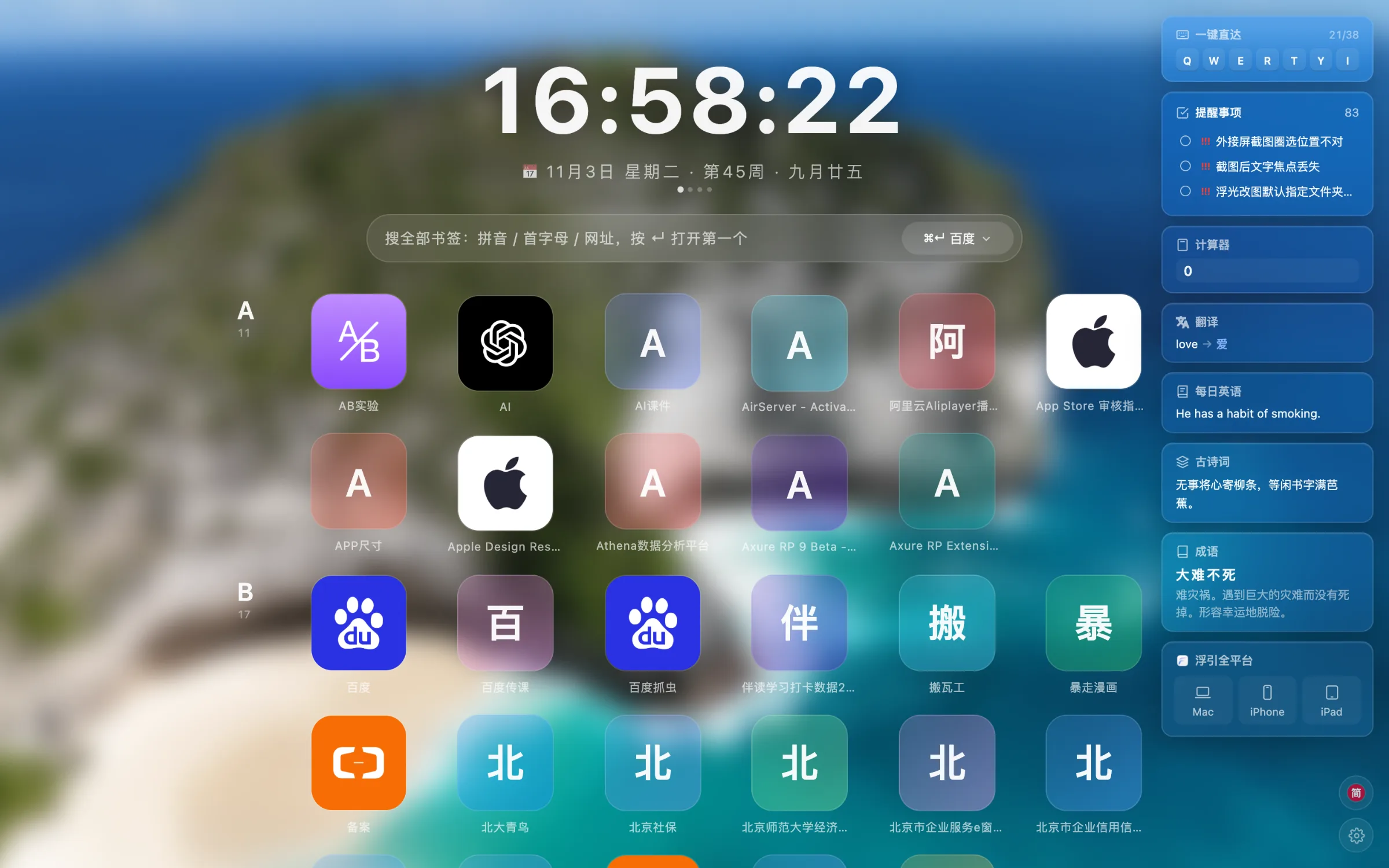
Six layouts. One will feel right.

Icons, list, cards, sidebar, launcher — or skip folders entirely and line everything up by first letter. Chinese titles are filed under their pinyin initial.

03Search & jump

Hands on the keyboard. Pages in a blink.

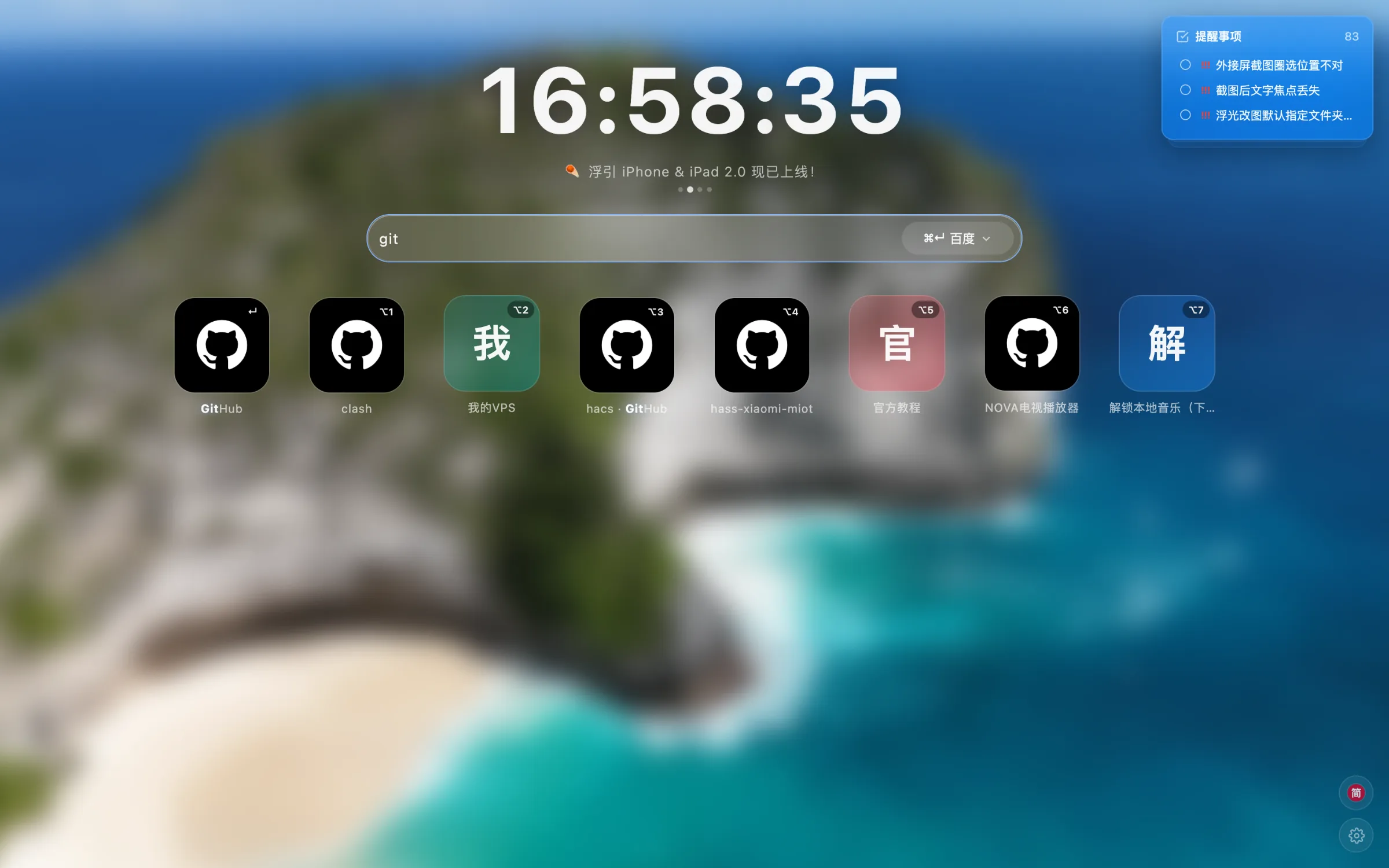
Open a new tab and the cursor is already in the search box. Type a few letters to reach any bookmark.

  1. 1
    Search every bookmarkSearch by pinyin, initials or URL with results from every folder side by side. Press Return to open the first one, or switch to a web search.
  2. 2
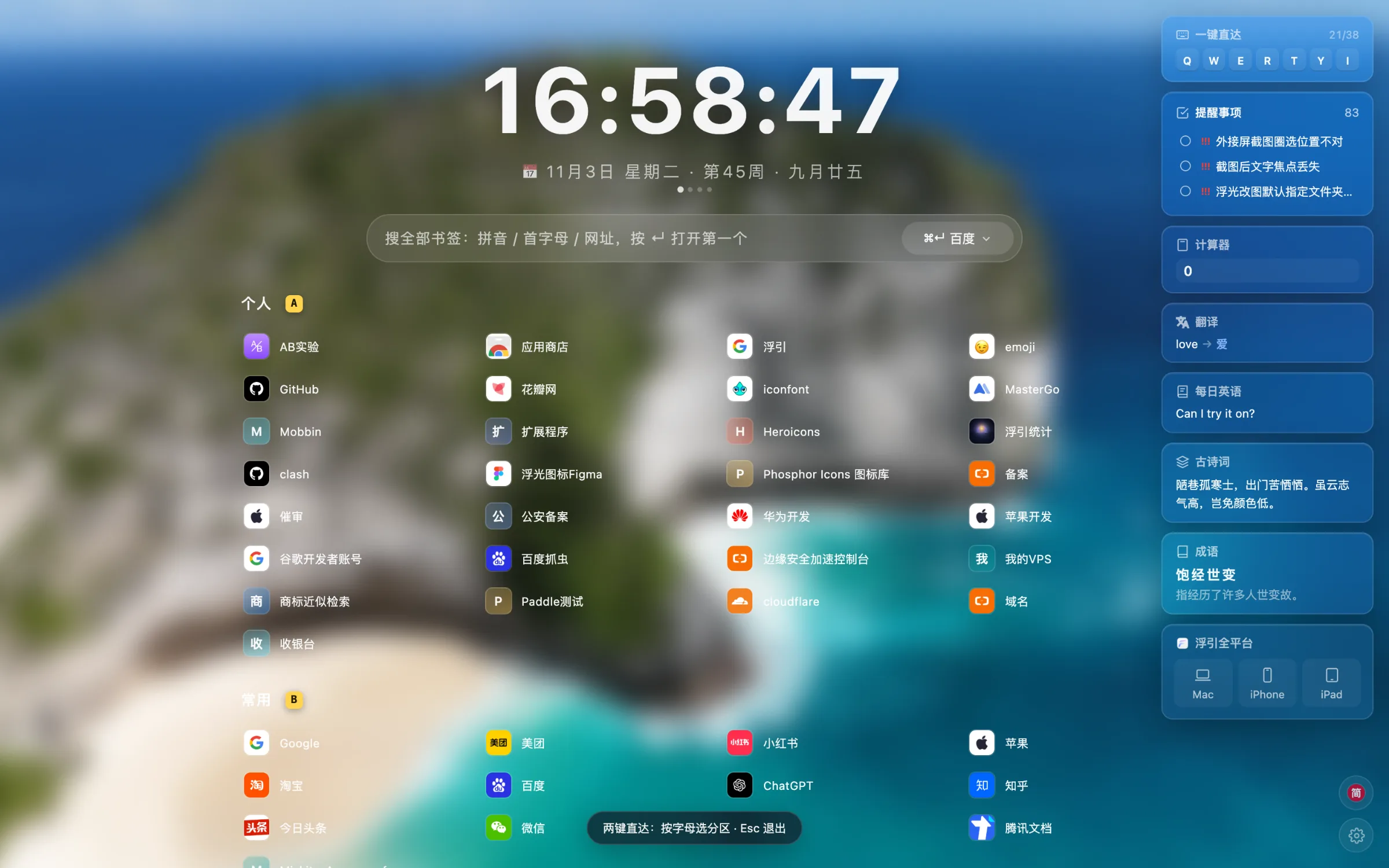
    Two-key jump with SpaceClick an empty spot and press Space: each section shows a letter. Pick the section, then the number — two keys and it opens.
  3. 3
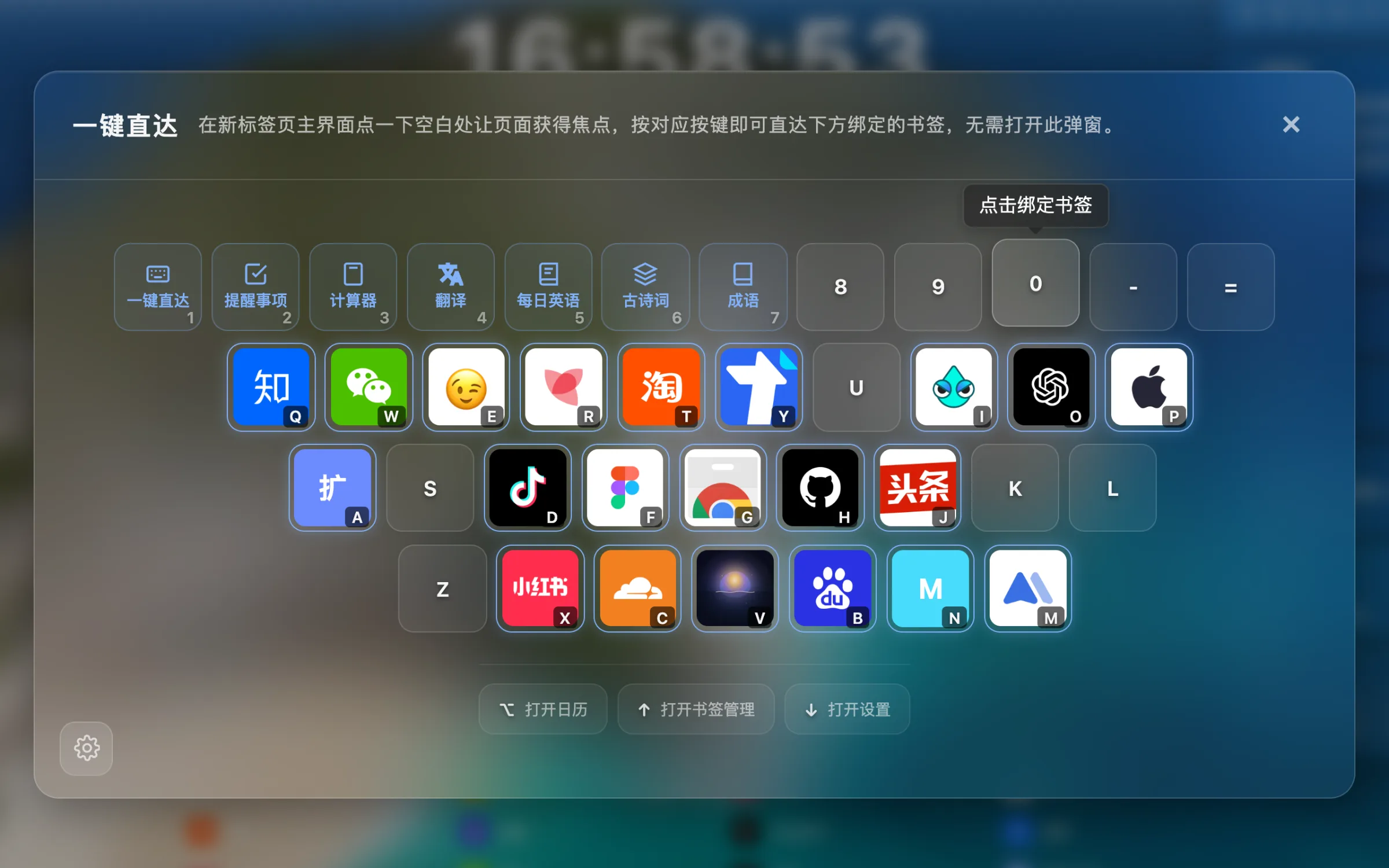
    38 keys, one pressBind favorite sites to letter and number keys, then open them with a single press on the new tab page.
04Appearance

Every new tab, a breath of fresh air.

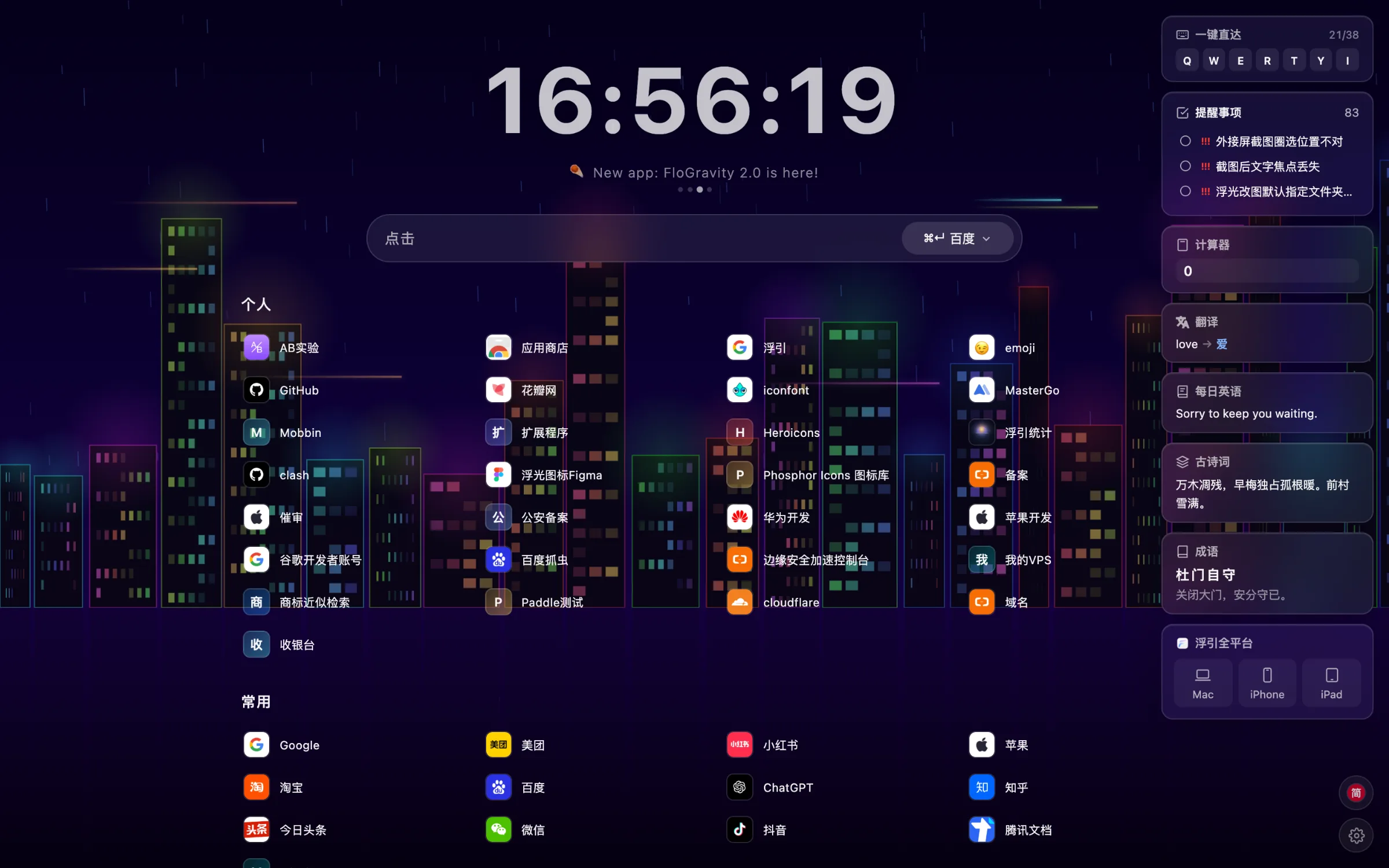
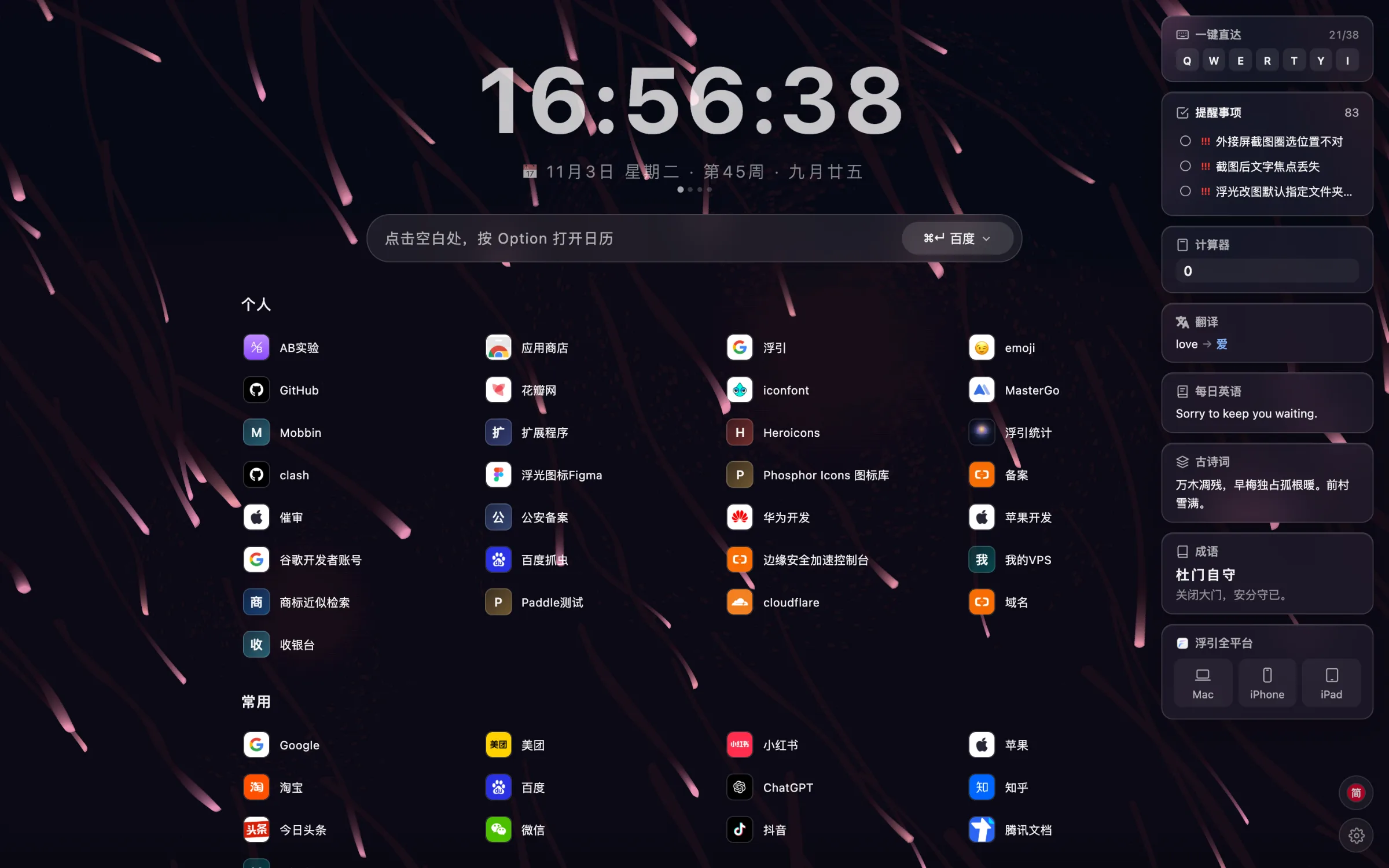
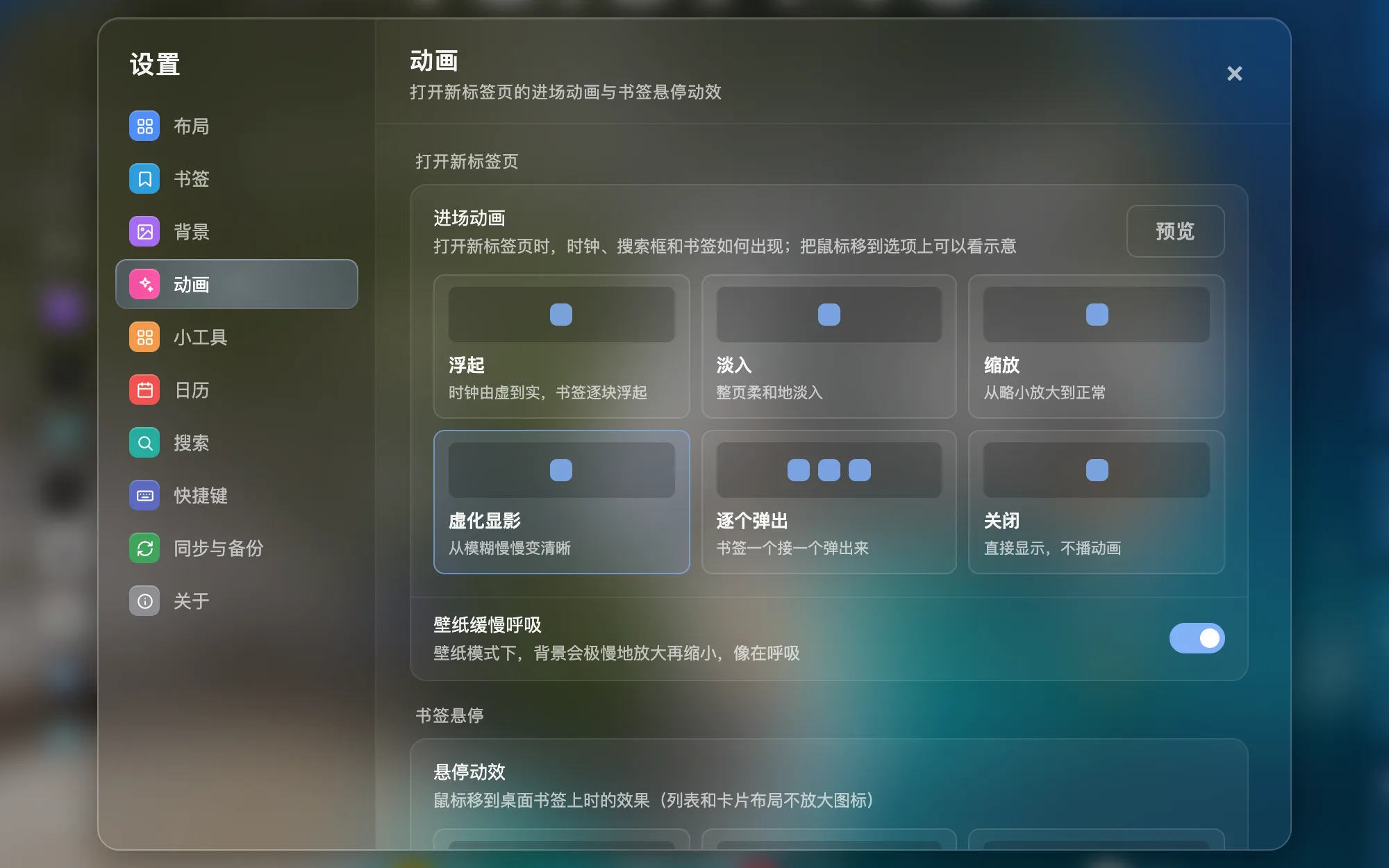
  • 30 dynamic backgroundsLava lamp, neon city, aurora, cherry blossoms… or let it pick a random one each time.
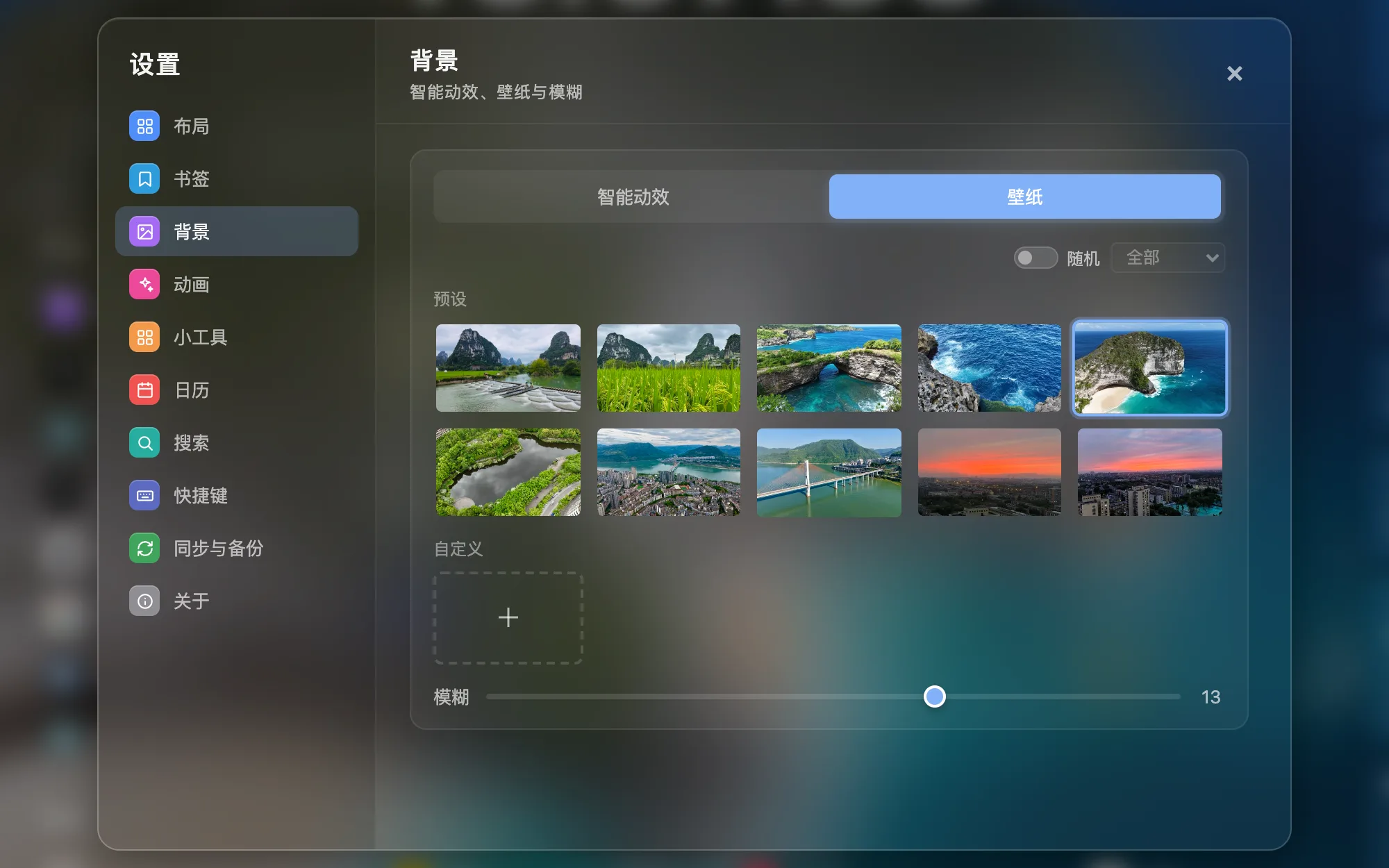
  • Wallpapers and blurBuilt-in scenic wallpapers or your own photos, with blur you can dial in.
  • Entrance and hover animations6 entrance animations and 6 hover effects. Wallpaper breathing and icon shine can be turned off on their own, and everything respects the system's Reduce Motion setting.
05Widgets

There when you need it, quiet when you don't.

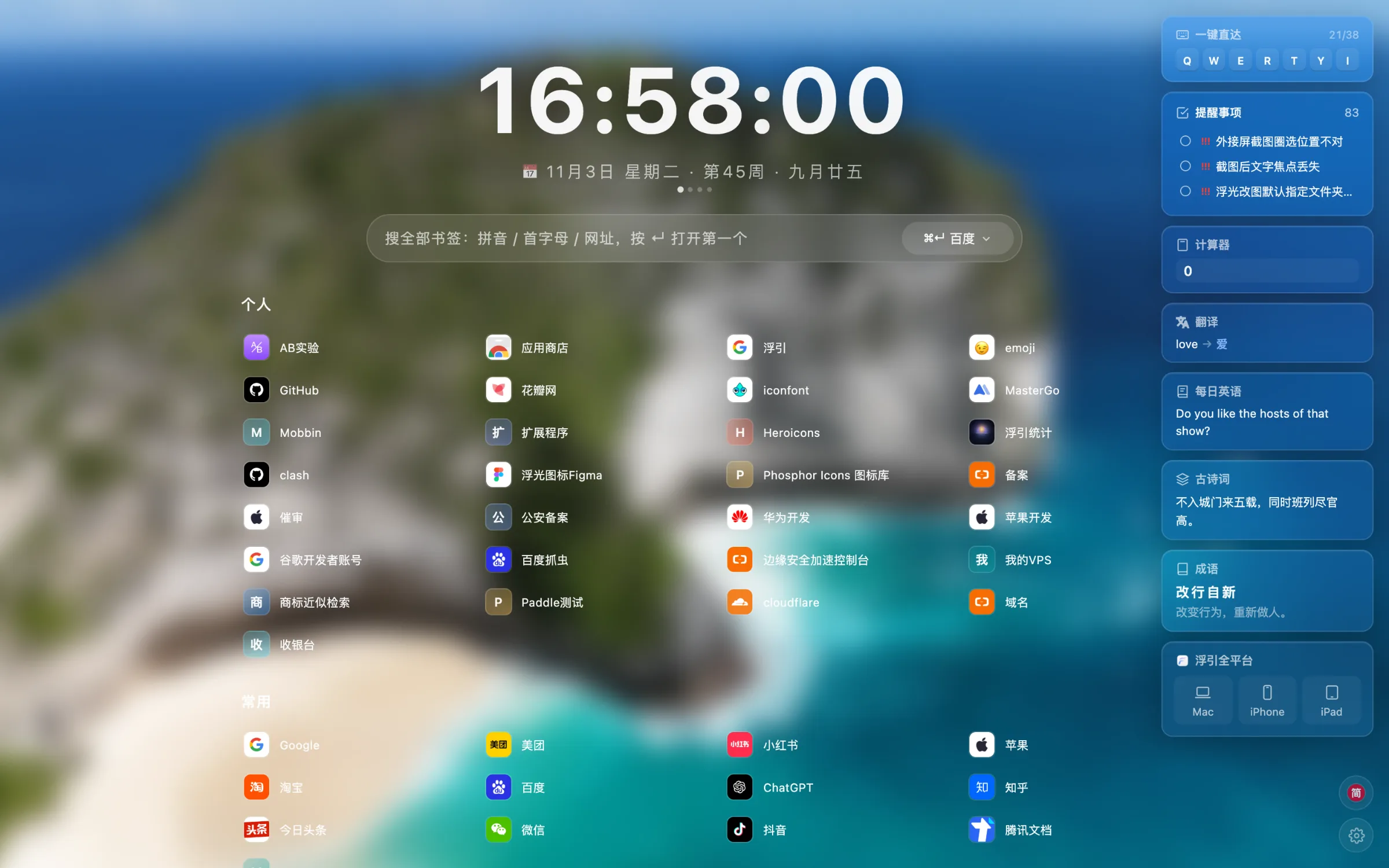
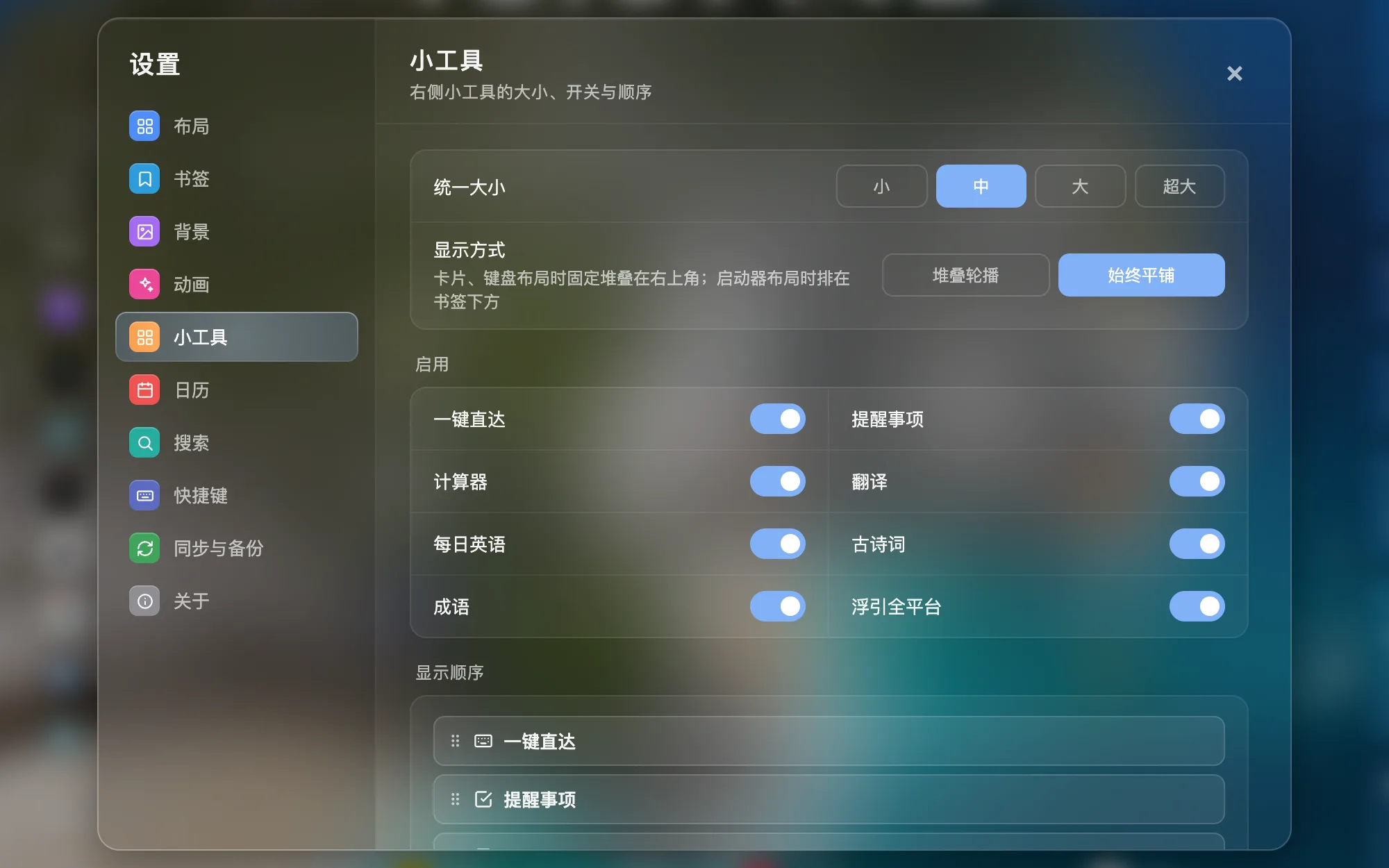
Calendar, Reminders, calculator, translation, daily English, classical poetry and idioms — reorder them, switch them on or off, or stack them into one rotating card.

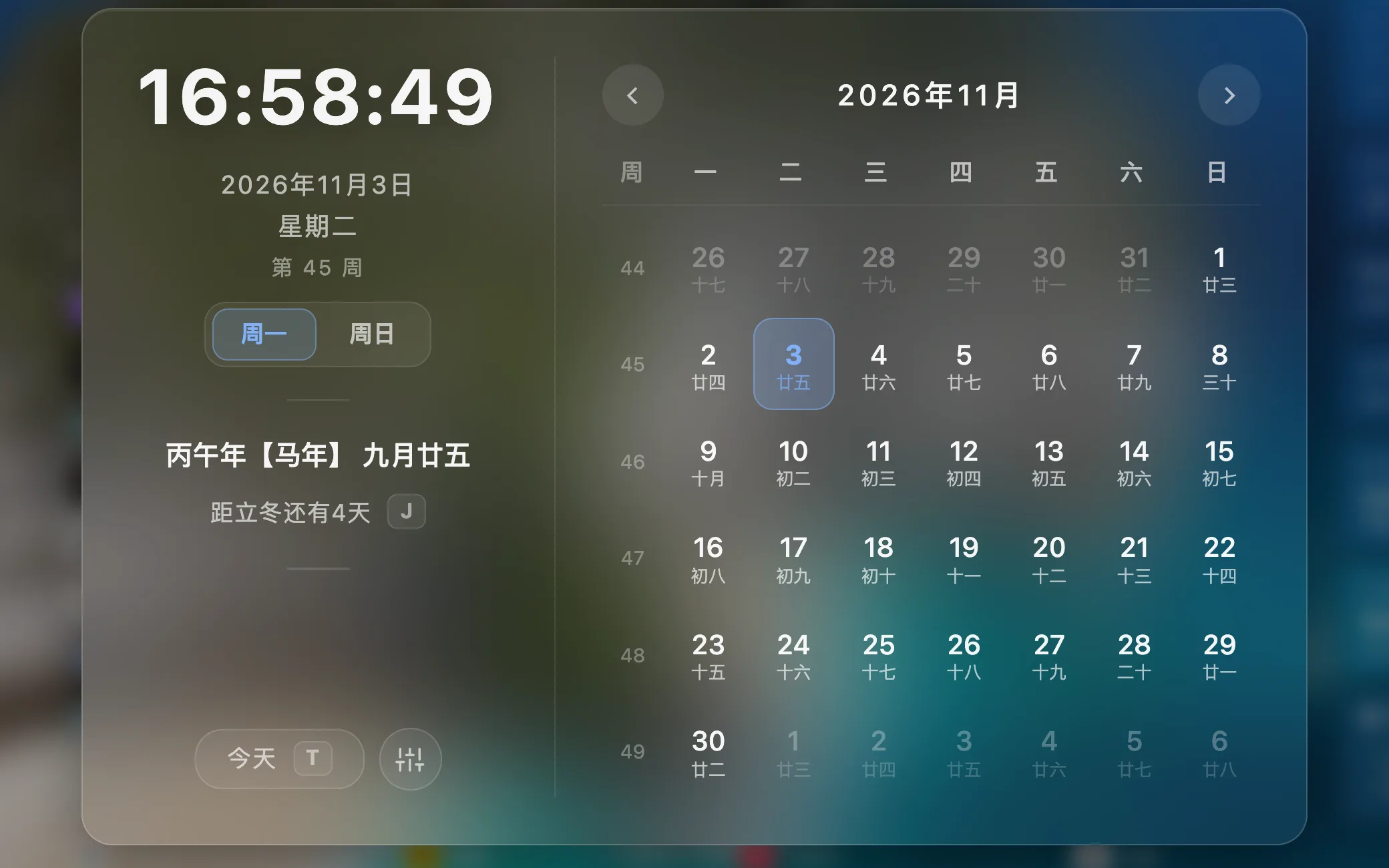
  • Calendar and lunar datesSee week numbers, the lunar calendar and holidays at a glance; click the date for the full month.
  • Apple RemindersInstall the sync helper on your Mac to view and edit Reminders right here, synced with iPhone and iPad.
  • Handy little toolsCalculator, translation, daily English, classical poetry and idioms sit on the right, out of your way.
Languages

Speaks your language.

The FloGravity Chrome extension is available in these 15 languages.

  • 简体中文
  • 繁體中文
  • English
  • 日本語
  • 한국어
  • Deutsch
  • Français
  • Español
  • Italiano
  • Português (Brasil)
  • Nederlands
  • Polski
  • Русский
  • Svenska
  • Čeština
Peace of mind

Install with confidence. Use with peace of mind.

Your data stays local

Your bookmarks are Chrome's own bookmarks. Settings and widget data live in your browser and are never uploaded to FloGravity servers.

Read the privacy policy
Free, no ads

Completely free — no ads, no pushy recommendations and no tracking of any kind.

Syncs with Chrome

Layouts, shortcuts and desktop display rules can follow you to your other computers through Chrome's built-in sync.

Import, export, 15 languages

Export a backup of your settings anytime and import it back; the interface is available in 15 languages.

FAQ

Before you start

FloGravity Is the Chrome extension free?

Yes, it is currently completely free.

Will it change my Chrome bookmarks?

Only when you organize them yourself under Bookmarks in Settings. Those changes sync straight to Chrome bookmarks, and deleting always asks first. Display rules such as hidden folders and icon sizes are stored only in FloGravity.

Will my browsing data be collected?

No tracking, no uploading, no analysis of your browsing behavior.

How do Reminders sync with my iPhone?

Download and install the FloGravity sync helper on your Mac, restart Chrome, then turn on Apple Reminders under Sync & Backup. With iCloud Reminders enabled, everything syncs with your iPhone and iPad.

Does it support offline use?

Core settings and component data should be kept locally as much as possible and can be used offline.

What browsers are supported?

Supports Chrome and Chromium core browsers.
Let the next time you open a new tab start to feel lighter.

Always in sight. One key away.

Works with Chrome, Edge and other Chromium browsersCompletely free, no ads

Email

Write in with questions, ideas or partnership requests.

vkr@qq.com